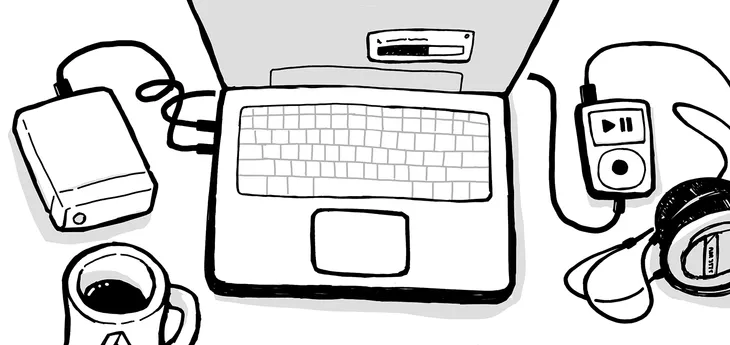
In the 2000s I spent a lot of time with headphones on. Most of my pocket money went into CDs. I bought them, ripped them, loaded them into my music player and listened to them countless times.
There was something special about buying a whole album only knowing a few songs, listening to it all, digitizing it, making sure the tags were clean and consistent, and loading it onto a portable music player. I paid more attention to music. I listened to albums over and over again. I cared.
I’ve decided to fix my relationship to music. I want to rebuild a long lasting emotional connection with music, instead of consuming it from brittle catalogs.
The good news is that there’s still a market for us. And it’s not that expensive to enjoy and own our music.
Owning music doesn’t work for everyone
There will always be some friction to owning and managing a library. I embrace this friction because it helps me build the kind of relationship I want with music.
Some of that friction is unnecessarily frustrating and could be removed to improve the experience for music librarians.
I’m not a musician, I’m not even an audiophile. A “CD rip” quality (16 bits, 44.1 Hz) is more than my ears will ever be able to make out of the music, and probably yours too.
There is a higher standard than CD quality: “Hi-Res” audio (at least 24bits, 48kHz). Not only are those more expensive to buy and store, they also require specific equipment to enjoy it. According to audio equipment manufacturer Sonos themselves:
Remember, standard CD quality (16-bit, 44.1 kHz) was once thought to include the full range of frequencies humans can hear. It’s since been shown that some people can actually hear frequencies beyond what CD quality is capable of reproducing.
I want my music in lossless format (FLAC) on my external drive. Storage is not very expensive, and music can always be compressed later. More on this below.
I had ripped CDs a long while ago, but now that computers don’t have a disc tray anymore I wanted a more straightforward way to get new music in digital form.
Same as books, I’m all for acquiring the music legally, especially the most recent and indie music. Supporting artists is important. But if I pay the high price for the music I want to completely own it. It means that DRMs controlling where and how I play my music are completely unacceptable.
I also twitch when I see albums released more than half a century ago and sold €15. I won’t judge people who don’t acquire those legally.
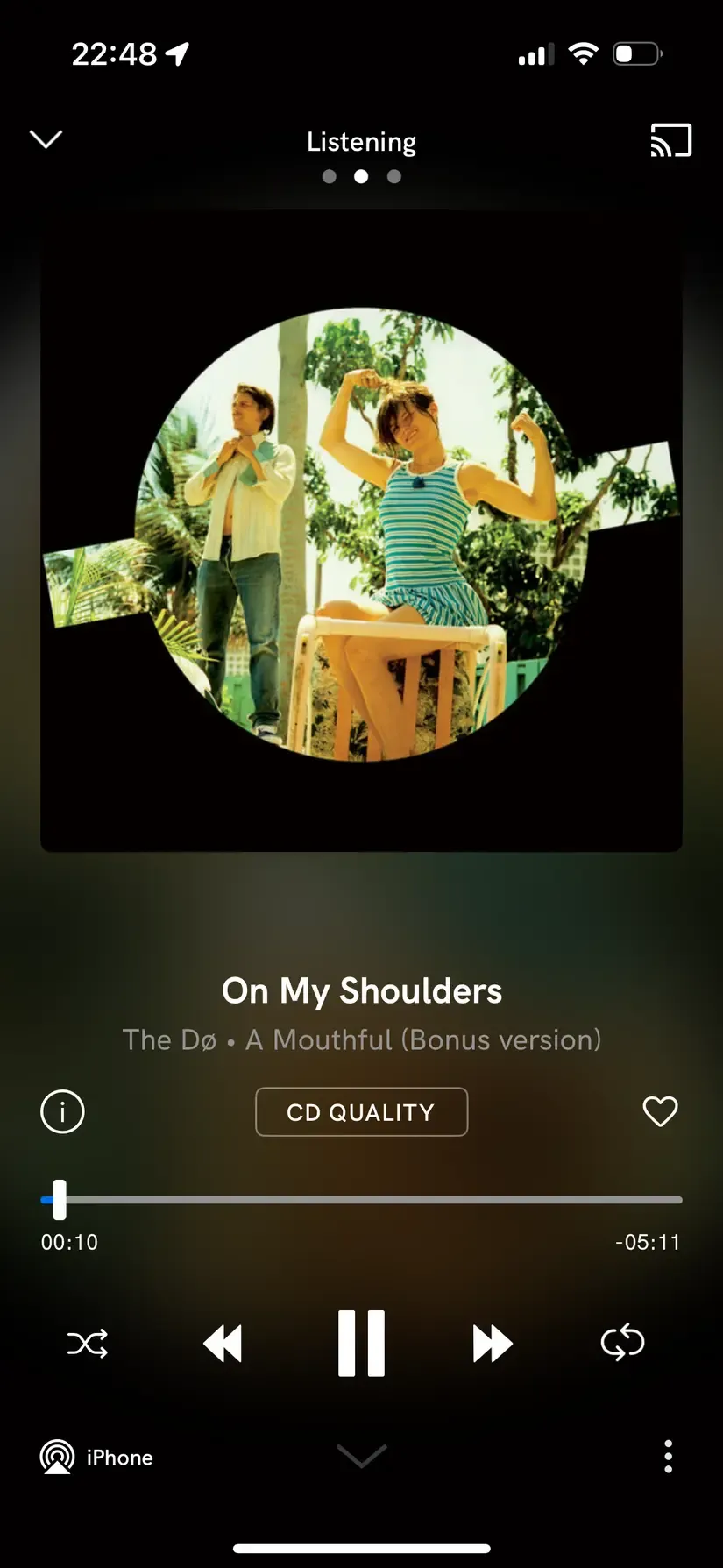
Qobuz is my platform of choice to buy music in a lossless format. You can either subscribe to rent music that you can only listen on their apps, or actually buy the music you want and download it. Buying the music on Qobuz also lets you listen to it on their apps, which is a nice convenience. Other platforms such as 7 Digital or BandCamp exist and can sometimes be (much) cheaper but I haven’t tested them.
At first sight, buying music looks pricier than subscribing to a streaming platform. Whether it’s interesting for you or not depends on how you listen to music.
If you mostly listen to new songs when they’re released and rarely go back to them later, buying music is probably not for you. If maintaining a music collection sounds like a chore to you, you probably also want to stick to streaming services.
If, like me, you listen to whole albums and still listen to what you used to play 15 years ago, buying your music will likely end up being cheaper in the long run. Especially if you rip old second hand CDs.
I also encourage music enthusiasts to read my friend tadzik’s blog post about his music listening commune who talks about the social aspect of sharing music, that resonates with me.
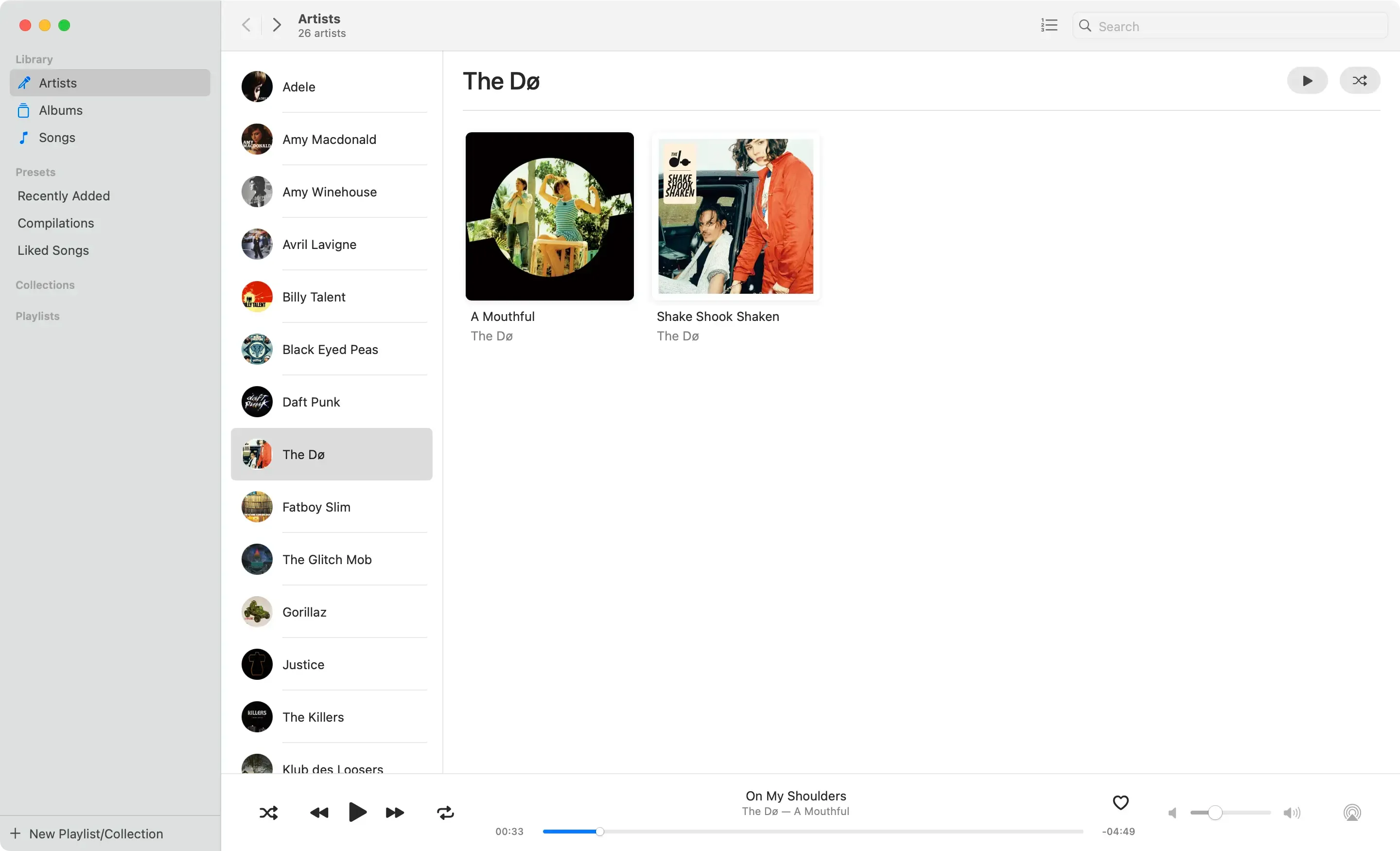
Computers have been able to play music for ages. When playing lossless media, VLC works on most platforms and is a very decent media player. VLC’s major caveat is that it’s just an audio file player. It’s not made to explore a library, browse by genre, by year, etc.
I wish there was a standard database format all library managers worked with but that doesn’t seem to be the case, so I’m using a separate app for playing and managing music on my laptop. More on that below.
I became a reluctant iPhone user, after years of using Android. iPhones are known to be arbitrarily limited by Apple. The most relevant example here is that it’s not possible to load file on an iPhone by connecting it to a computer, and even less music.
I can also play the music I bought on Qobuz on my iPhone with their app. But for the music I own that I didn’t buy via Qobuz it’s another story. There is no simple and convenient way to do it.
It would also be possible to use the Nextcloud app to play files on my phone but it’s more of an audio file player than a proper music player. It can play files you tell it to play, but it can’t display music sorted by artist or genre.
Doppler also exists on iPhone, and it supports transferring music via Wi-Fi from a Mac. However I’d like to keep my iPhone storage for the many pictures I snap.
The iPod classic has a special place in my heart. The UX was incredibly good and they were self-sufficient once loaded with music. As someone who wants to spend less time on their phone, a dedicated portable music player is quite appealing.
But iPods have been discontinued for long, and I’m not comfortable buying an old device with a nonstandard port and no Bluetooth. Some companies are reselling modded models, but they’re extremely expensive.
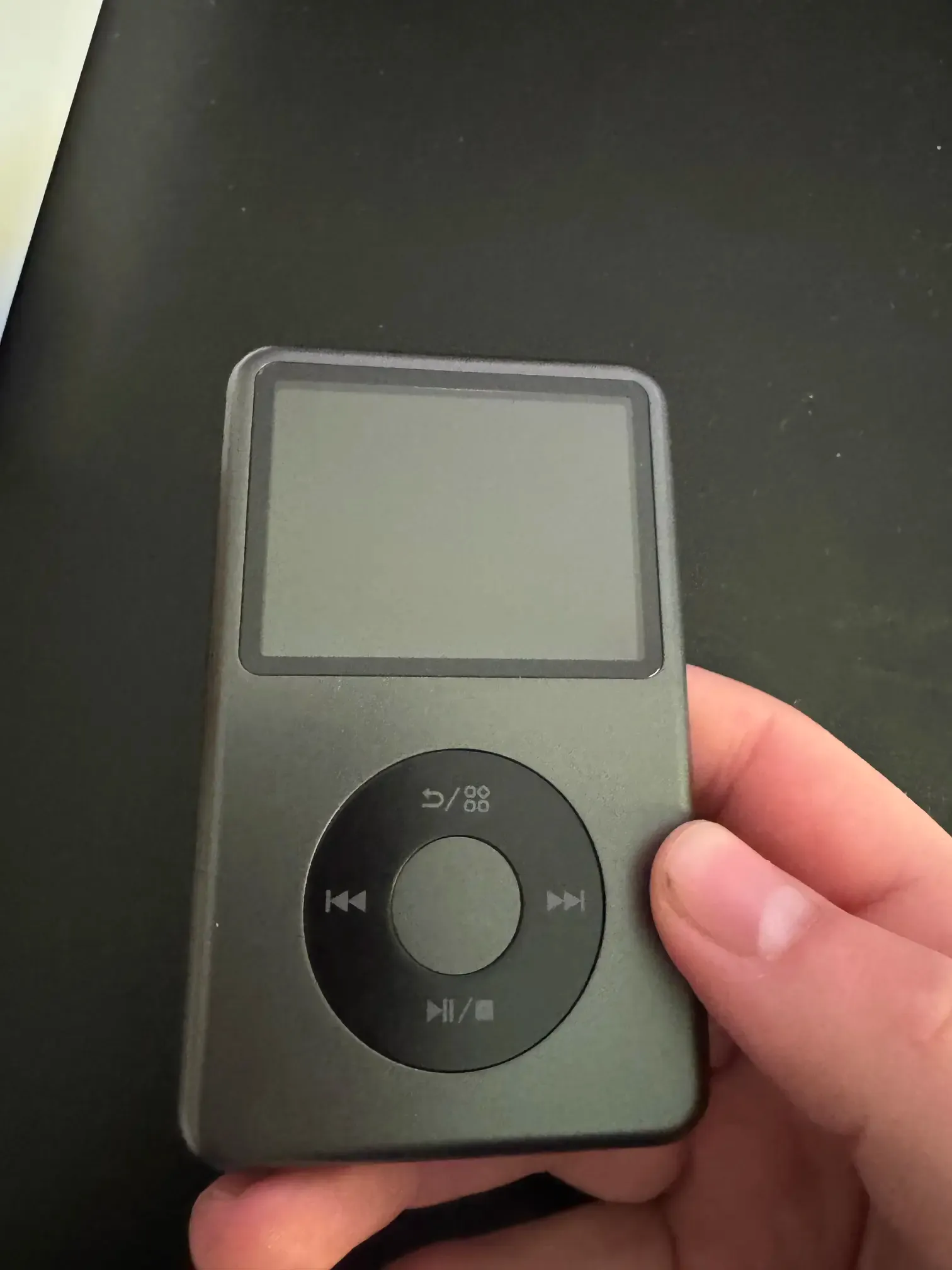
The Tangara Open Hardware Music Player is a good fit for my ethos but not for my pockets. The device looks good on paper but it’s really bulky. I bought an Innioasis Y1 for a tenth of the price of a modded iPod Classic instead.
The Y1 is a cheap device that furiously resembles an iPod Classic and can easily be opened. It doesn’t have an open source operating system like Rockbox but the manufacturer published the firmware flashing tool, so in theory a community of enthusiasts could write a much much needed OSS system to replace the bug-ridden, underperforming, unpleasant Android-based system that is shipped with it.
I don’t recommend the Innioasis Y1
For $50 you can’t expect the Y1 to be as good as an iPod classic. But it is simply not usable.
It crashes when you scroll the list of artists too fast.
When browsing by artist and selecting one, it doesn’t show an album view but a list of all the songs of all their albums.
It doesn’t de-duplicated artists. If you have Artist and Artist (feat. Other Artist) in tags, they will appear as two distinct artists.
What makes it even more frustrating is that the Y1’s hardware is okay. It only lacks a user interface to make it convenient and reliable. One feature I really like about it though is that I can plug it into my computer, and it will just appear as an external drive. That’s important for the “converting on the fly” section.
I need a music library manager that matches a few criteria:
Has a portable library I can store on an external drive
Can harmonize tags (metadata) on audio files so I have a consistent library
Uses a format that works across desktop platforms (macOS and Linux mostly)
Lets me store my library in FLAC and export it in MP3 on my portable player
The only music library manager that I’ve found that ticks all the boxes is beets. It’s a CLI tool so it might not be for everyone, but it works very well for me.
MusicBrainz Picard was another strong contender. It has a GUI, but I didn’t find a way to make it convert music on the fly when exporting it to another device.
I daily drive a MacBookPro M1. They are expensive devices, their disks are tiny and Apple is charging a lot for upgrades.
Fortunately external drives are not too expensive and are fast these days. I use a Crucial X10 Pro that I’ve been very happy with.
Why not a NAS
I want to have access to my music even when there is no signal or when I’m outside of my data plan coverage.
I also try to limit my server usage to a maximum. They are complex beasts to maintain, draw power, and are more prone to failing than an encrypted external drive I carry with me and backup regularly.
I also occasionally use a laptop that runs Fedora with GNOME. Should I want to move to that laptop full time, I want to be able to do so without losing my whole library.
beets is a Python CLI program, that runs on macOS, Linux and Windows. Its library is nothing but a SQLite file you can inspect by yourself, plus the audio files themselves.
It supports conversions on the fly, and can also fetch album art automatically for you. For that it relies on two plugins, that we can install at the same as we install beets itself via pip.
Make it work on macOS
macOS ships its own (outdated) version of Python, which can get in the way when you install beets plugins.
To keep your system pristine but still rely on an up to date version of python, install the pipx package manager via homebrew, and then install beets and its convert and fetchart plugins through it.
Terminal window
brew install pipx
pipx install "beets[convert,fetchart]"
I configured beets so it looks up for my library database and audio files on my external drive (called Iris)
~/.config/beets/config.toml
directory: /Volumes/Iris/Music
library: /Volumes/Iris/Music/beetslibrary.db
My library is self contained in a single folder, and I would just need to update those two lines of my config file if I wanted to move it somewhere else.
Consistent mounting points
macOS always mounts the same disk on the same mounting point (path). That’s what makes this configuration work.
I am not aware of such a mechanism that works without root privileges on Linux. If you do, please let me know and I’ll update this post.
Most media players (whether they’re a dedicated device or just apps) can group music by albums, by artist, by genre, by year released, and more.
The music players don’t rely on file names or folder structure to find this information. They rely on “tags,” metadata fields embedded in the audio files.
Having consistent tags across your library is crucial to get good results on your player. Take the group “The Doors” for example. You want to make sure all their songs name them as “The Doors” and none name them as “Doors (The).”
Some music enthusiasts have created MusicBrainz, self-described as “an open music encyclopedia that collects music metadata and makes it available to the public.”
When importing music into your library, beets will try to match the files with what exists on MusicBrainz and correct the tags for consistency.
To import music into my library, I open a terminal and go to the folder containing the music I want to import, and run the import command
Terminal window
cd path/to/the/new/album
beet import .
beets is very autonomous most of the time but it can ask for human input when it’s unsure about a decision.
I store all my music in lossless format on the disk to have the highest reasonable quality if I need it.
Lossless is great but it takes space. When listening to music on the go I’m also regularly in noisy environments that don’t let me take advantage of the full range anyway.
Compressing the lossless files into reasonably high quality MP3 files when loading them onto the Y1 lets me save space on the device and keep my whole library on it. MP3 files support ID3 metadata tags, so the player will know how to display information consistently, provided I have a consistent library in the first place.
beets has the useful convert plugin to let me convert and export my music as mp3 on my portable music player.
I then ensured it was listed in the plugins in the configuration file, and added my portable player volume as the default destination when running the beet convert MYQUERY command
The setup I described in this post works well for me and I’m happy with it. Some things could be improved to make it even better though.
There is no good reason why my iPhone shouldn’t let me play local music. It is a frustrating and arbitrary limitation set up by the manufacturer. Apple is part of a world-wide duopoly that gives them extensive influence over our digital lives, and this kind of limitation ought to be better regulated.
Buying music remain costly. There is no world in which it makes sense to buy an album recorded half a century ago for the same price as an album that was just released. I don’t see any other solution than regulation here again.
The Innioasis Y1 has a lot of potential but is held back by its OS. An open source OS and a strong community around the Y1 would make it a better player and fix its most glaring issues.
Finally, beets could have a nice GUI to be more accessible for the less tech-savvy. The maintainers have expressed their interest for it. I would love to see designers help bring it to the next level and make it accessible for the masses.




 Comments
 Comments