iOS has a useful downtime mode
 Last modified January 2, 2025
iOS allows you to set downtime schedules to help you limit your phone usage. In downtime mode, apps will be greyed out on your Home Screen.
When you try to launch an app, it displays a screen telling you you have reached your time limit. You can ignore the warning and still use the app. You can dismiss it for the next minute, the next 15 minutes, or until the next scheduled downtime.
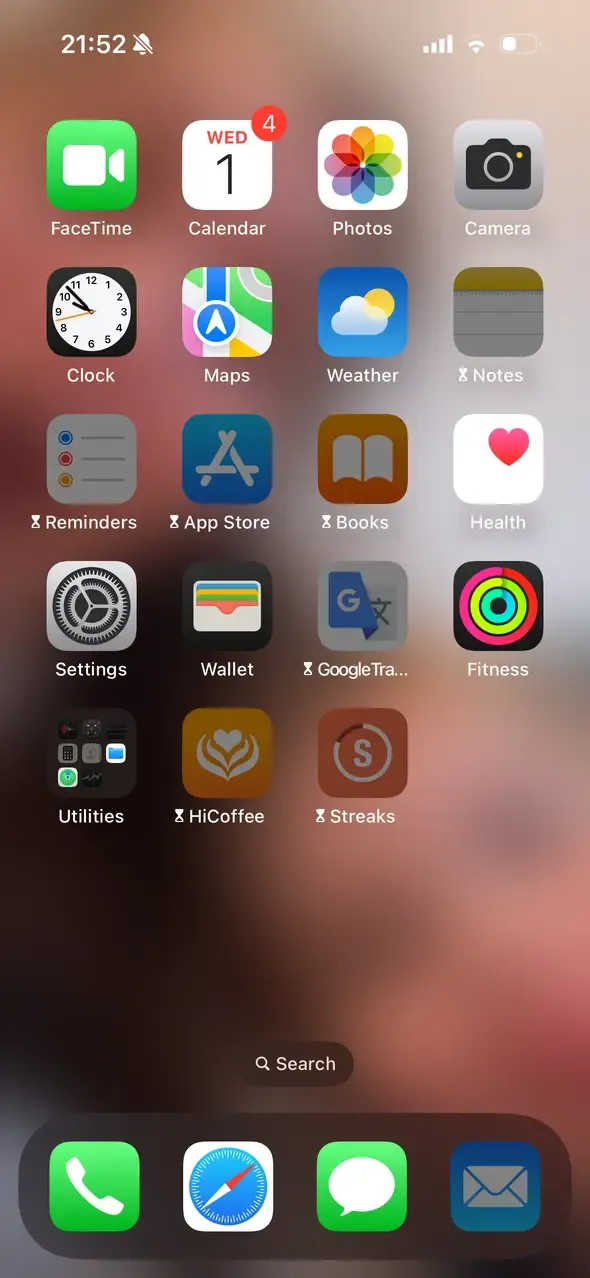
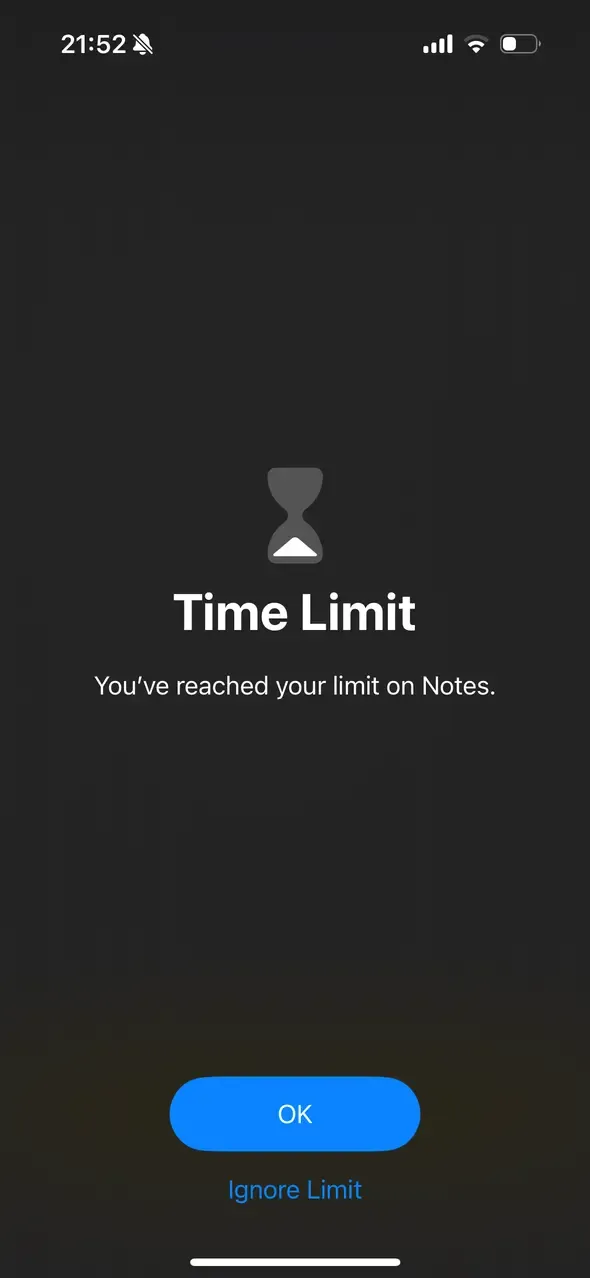
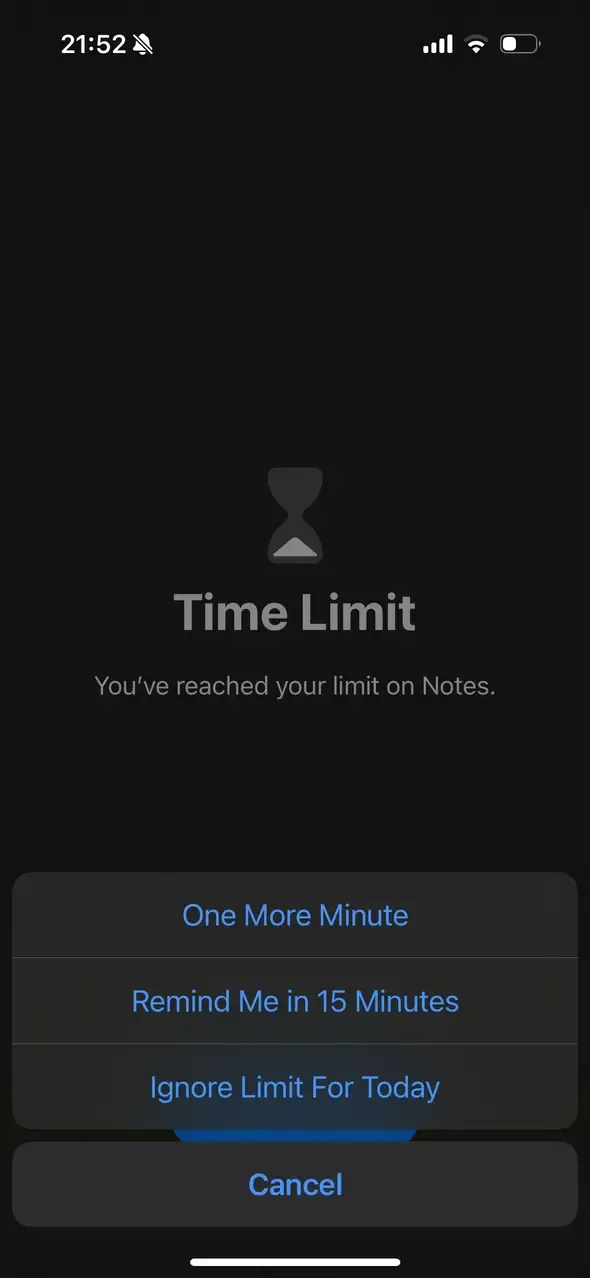
You can also tell iOS to always let you use some apps, even in downtime mode. I find it particularly useful to limit my doomscrolling time while still being able to use the tools on my phone. Every time I have an idea, I dump it into Obsidian, so I want it to be easily accessible.
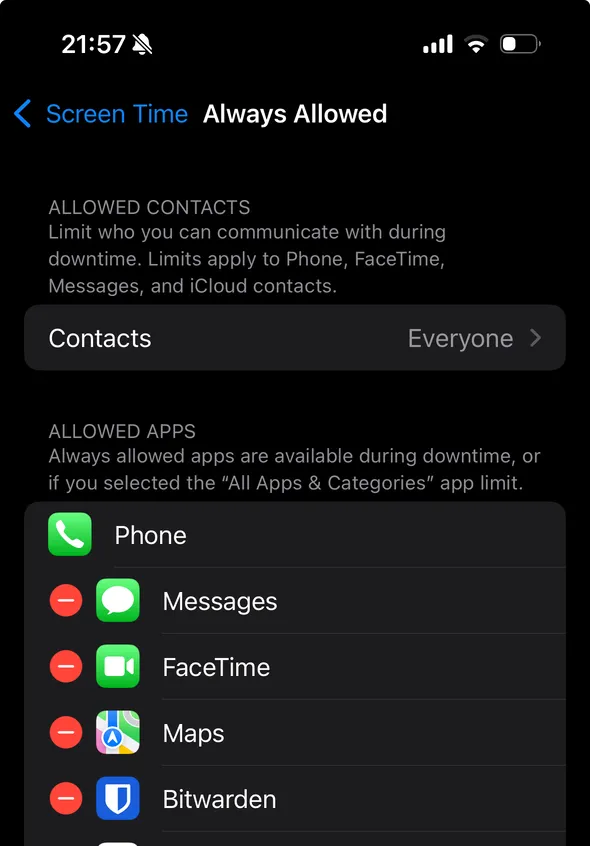
I really like adding friction and, to an extent, accountability to bypassing rules I imposed on myself but still allowing myself to use apps when I actually need them.





 Comments