There are still great apps to play local music
 Last modified January 10, 2025
I recently decided to get back to buying my music instead of subscribing to a music streaming service.
There are several reasons for that. I want to reduce my energy footprint by avoiding servers. I don’t want my listening habits to be tracked. I don’t want to lose my hand-curated-over-the-years playlists if I pause my subscription (I’m staring at you intensely, Apple Music). I want to spend more time offline.
I daily drive an iPhone and a MacBook Pro, but I also sometimes use a laptop that runs Fedora. I also bought an Innioasis Y1 music player that hasn’t shipped yet. I am writing a longer, more extensive article about where I source my music, how I store it, maintain my library, and how I convert it. This post is only about the apps I found to play my music.
I have 3 major requirements for a library music player:
- Being able to browse by artist or album is important to me. I want a player that lets me browse my library, not just software to play the audio files I find via my file explorer.
- Visual consistency also brings me joy. Whenever possible I favor native apps that use the design patterns of my system.
- Finally, I need the app to be able to read my library from an external drive where I store my collection. Macs have tiny disks, and upgrades are expensive.
On a Mac
iTunes died a long time ago, and the least you can say is that Apple is not too keen on letting you have a decluttered, local-first experience without constantly plugging its service. The app is bloated and slow, bordering on unusable.
There are several options on the market. The most notable are:
- Doppler ($30 one-time subscription, proprietary). The best balance for me.
- Foobar2000 (free, open-source). A good player that doesn’t feel native.
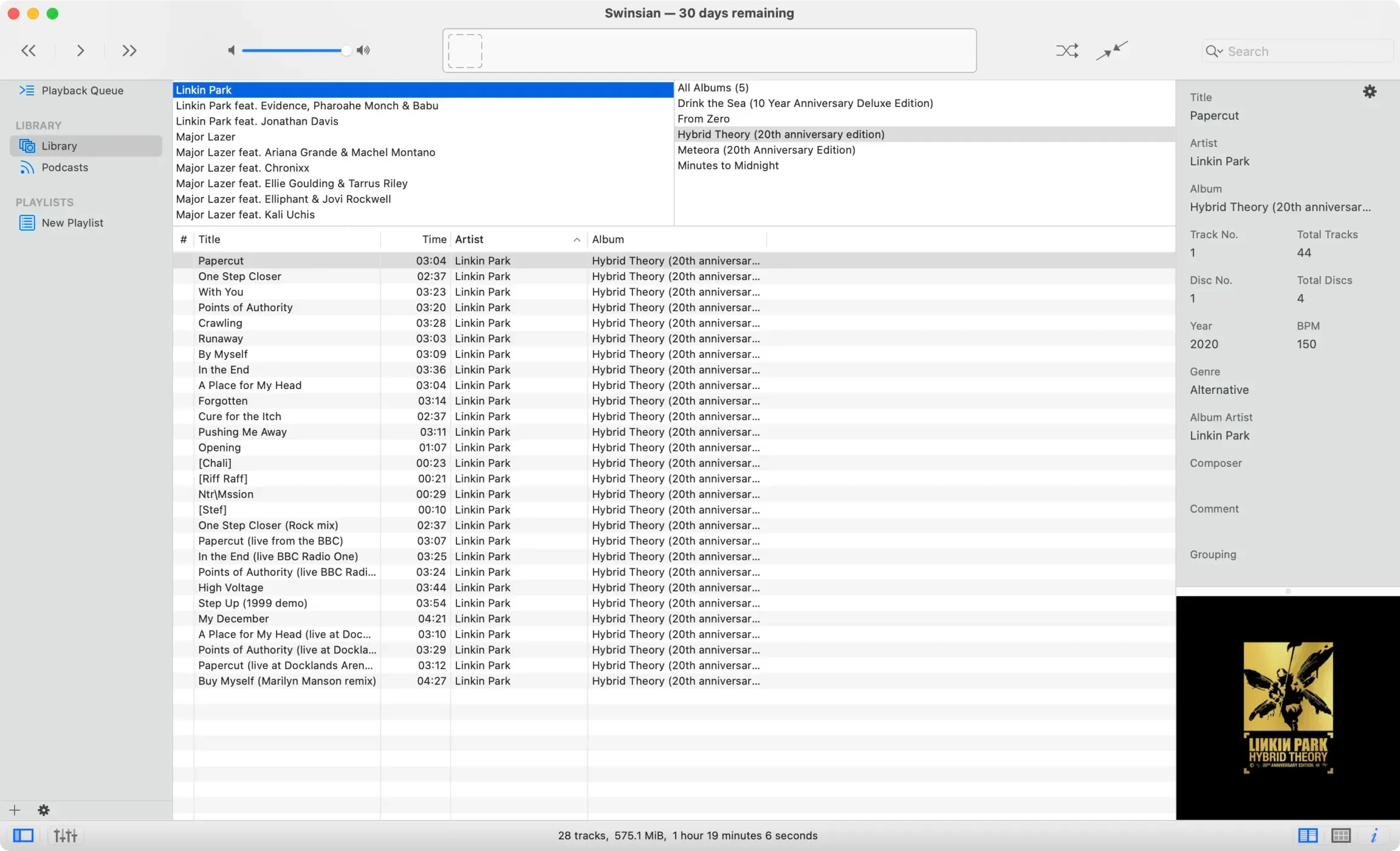
- Swinsian ($25, proprietary). The website hasn’t been updated since 2022, but the app is still actively developed, and a major version has been released since.
Swinsian is praised in public forums, but it really doesn’t work for me. It doesn’t have a simple album view with a grid of cover art, and generally feels overcomplicated. Worse: it even messed up tags and put the album Drink the Sea from The Glitch Mob under the artist Linkin Park.
Doppler works for me
I decided to go with Doppler because it almost looks like an app Apple would have developed. It looks native, up-to-date, and well-integrated into the Apple ecosystem.
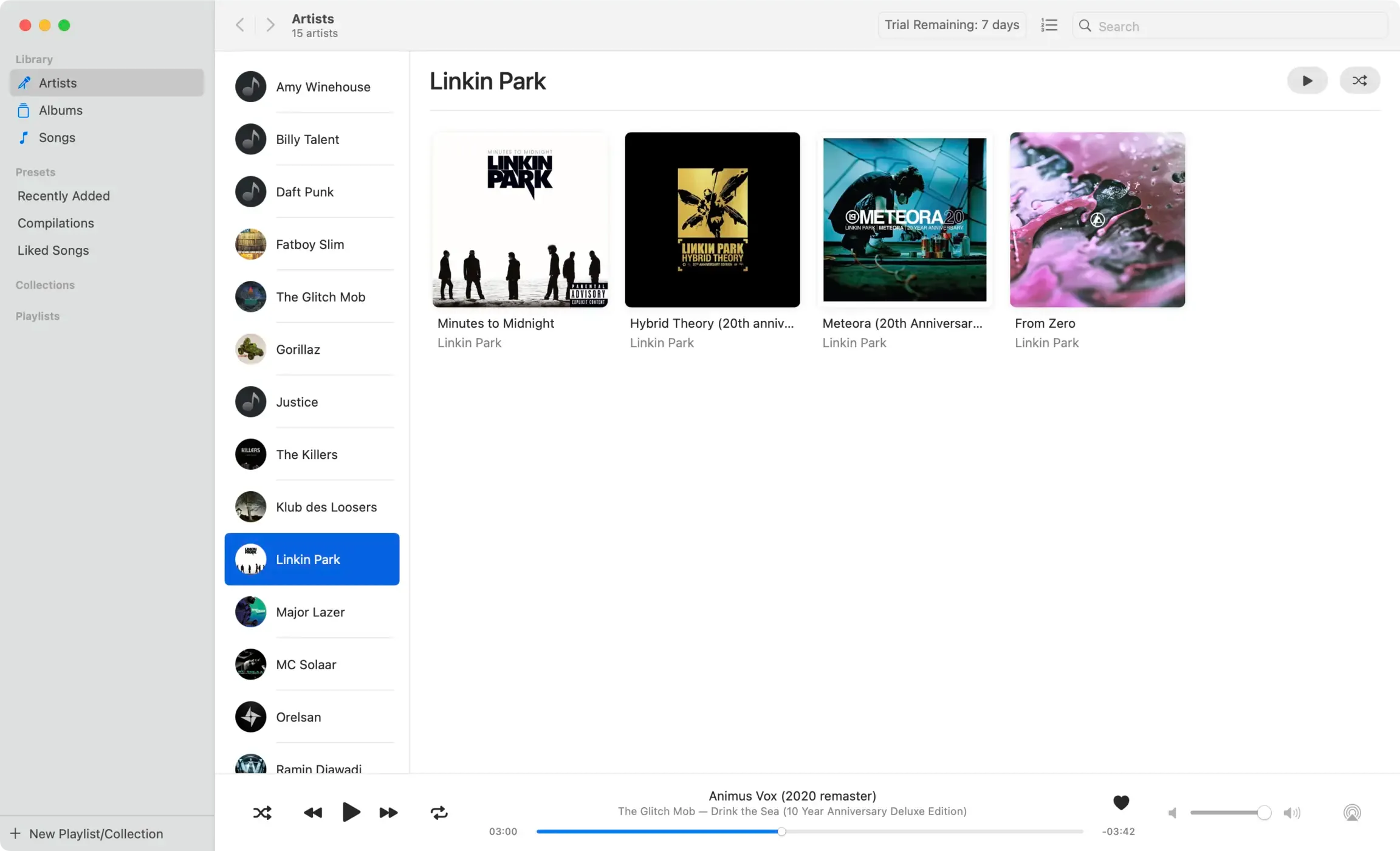
It lets you edit covers and metadata but doesn’t automatically override it to what it thinks is best. This is important to me since I use another tool to fetch and correct metadata.
It lets you like songs to build a playlist of your favorite songs. I’m not using this feature because I can’t export that playlist across devices. A good workaround would be to let me export my liked songs as an M3U playlist.
On an iPhone
The iPhone is even more hostile to local music than the Mac. It’s impossible to import files on your iPhone natively, even when plugging it into a computer.
To my great surprise there are apps to let you load music on your phone and play it. Here again, the main contenders are
Doppler could have worked
Doppler looks great on the iPhone. It plays FLAC files seamlessly and reads the metadata and cover art to build a library.
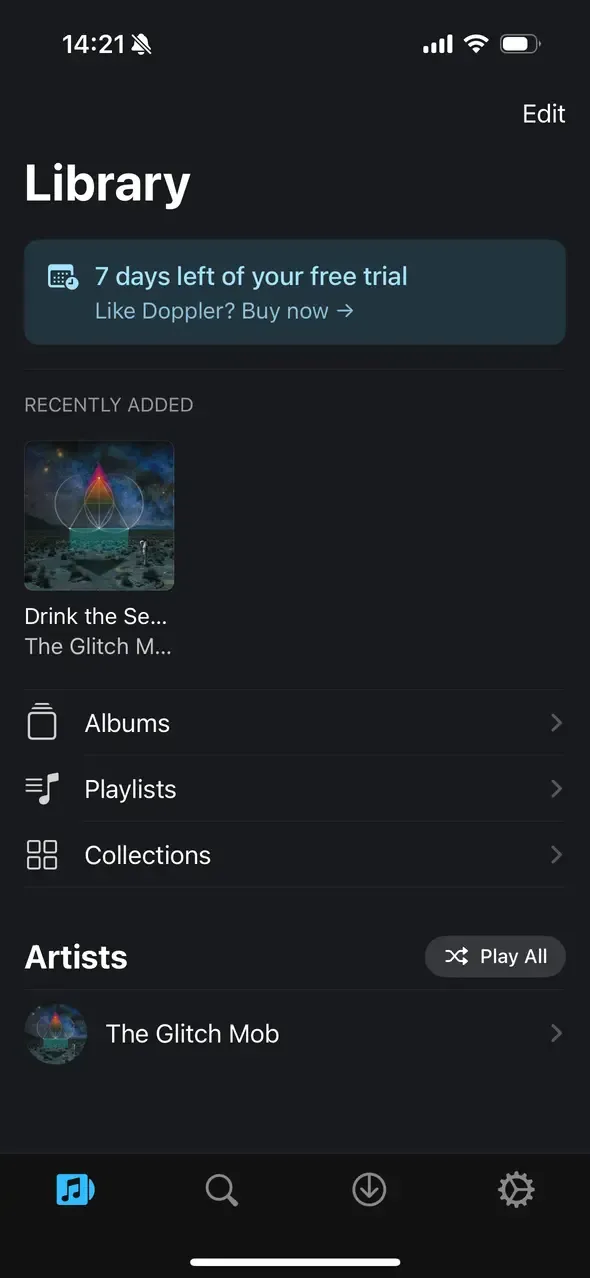
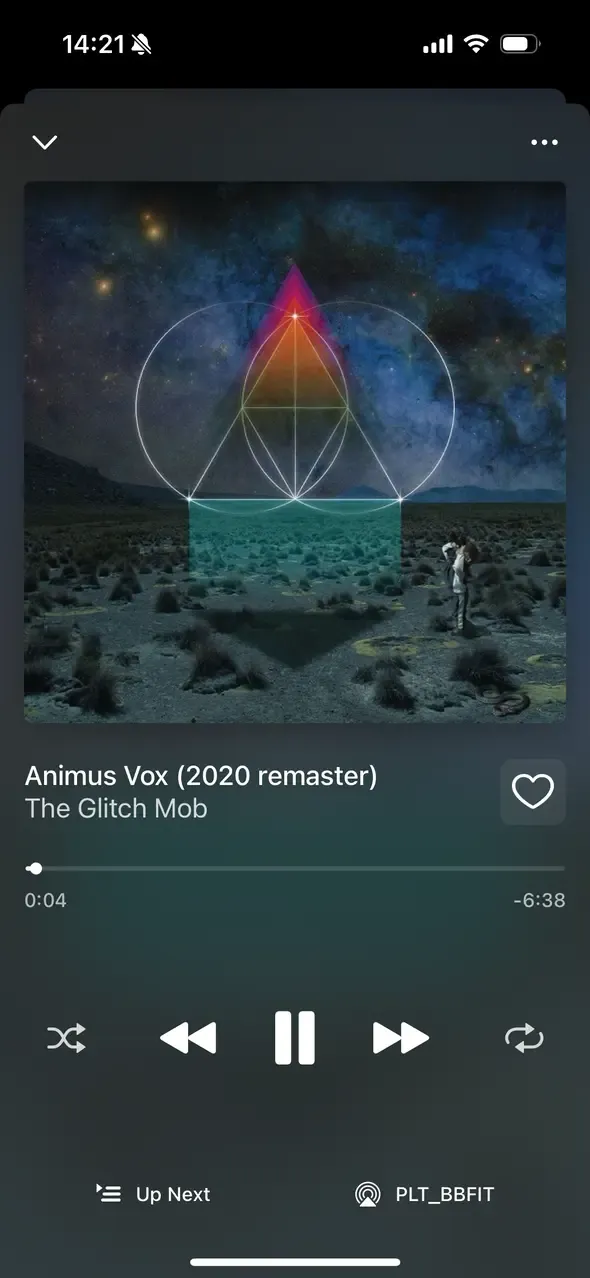
It relies on a companion app on the Mac to retrieve files over USB or Wi-Fi, which can be convenient.
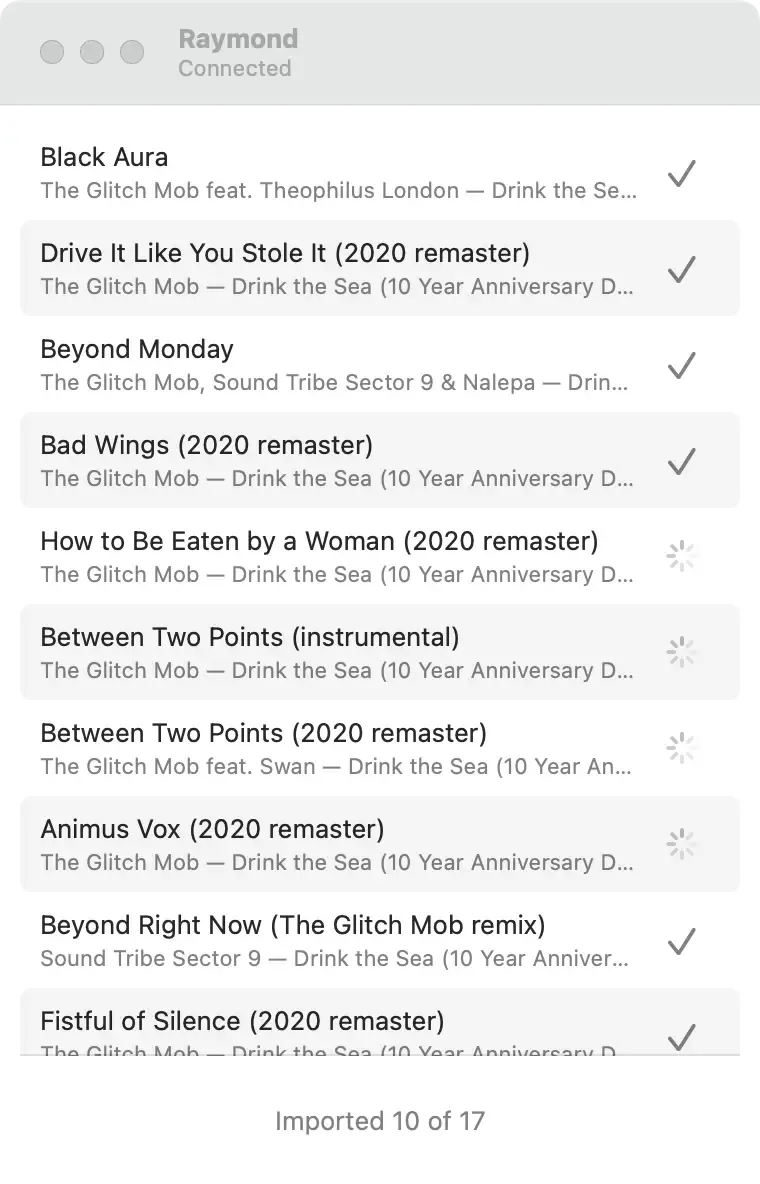
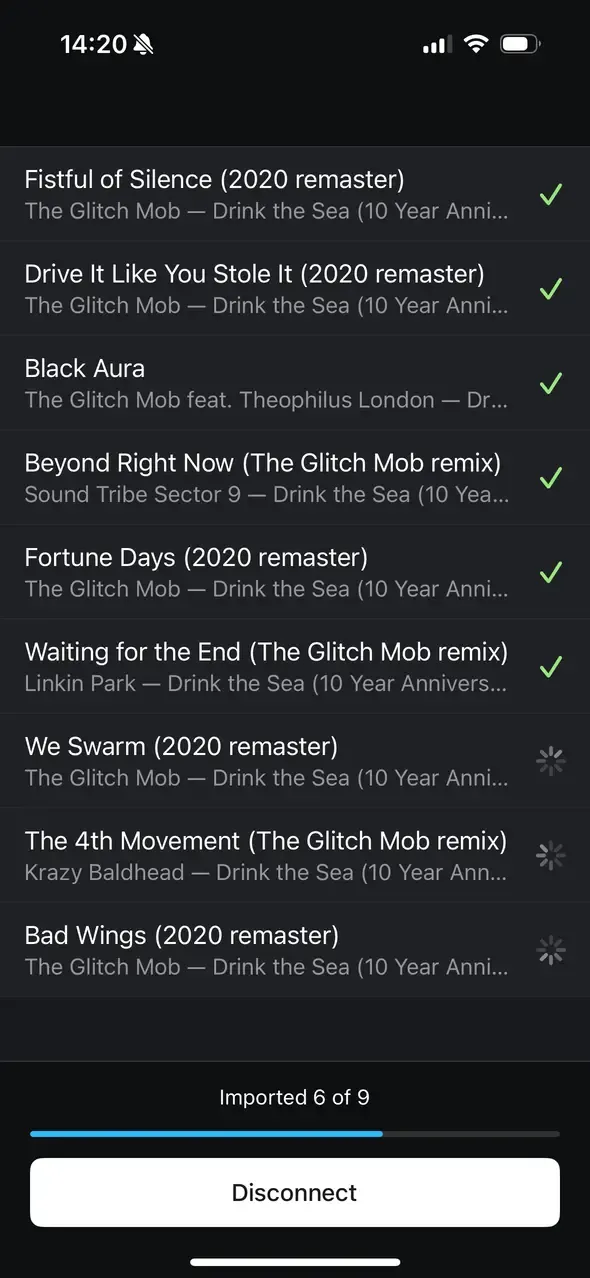
There is no way to sync the library or playlists between the Mac and iPhone, although I understand it would have been difficult to execute because of the iPhone’s limited storage.
Phones are simply not made for that. I could convert my library to a format like MP3 to use less space, but it’s a cumbersome operation that can’t be done “on the fly” when transferring files since the iPhone doesn’t appear as external storage.
To listen to my music on the go, I ordered a portable music player, the Innioasis Y1, instead of trying to force my music onto a device that kicks and screams when you ask it to be convenient.
On Linux
I am a GNOME person. The global decluttered / focused aesthetic that GNOME optimizes for resonates with me. There are several good players for GNOME.
- Amberol looks really great, but the maintainer states that it is “just” a music player. Browsing a music library is an anti-goal.
- Lollypop is an opinionated music library browser and player. Overall, it looks good but doesn’t stick to the GNOME platform design patterns.
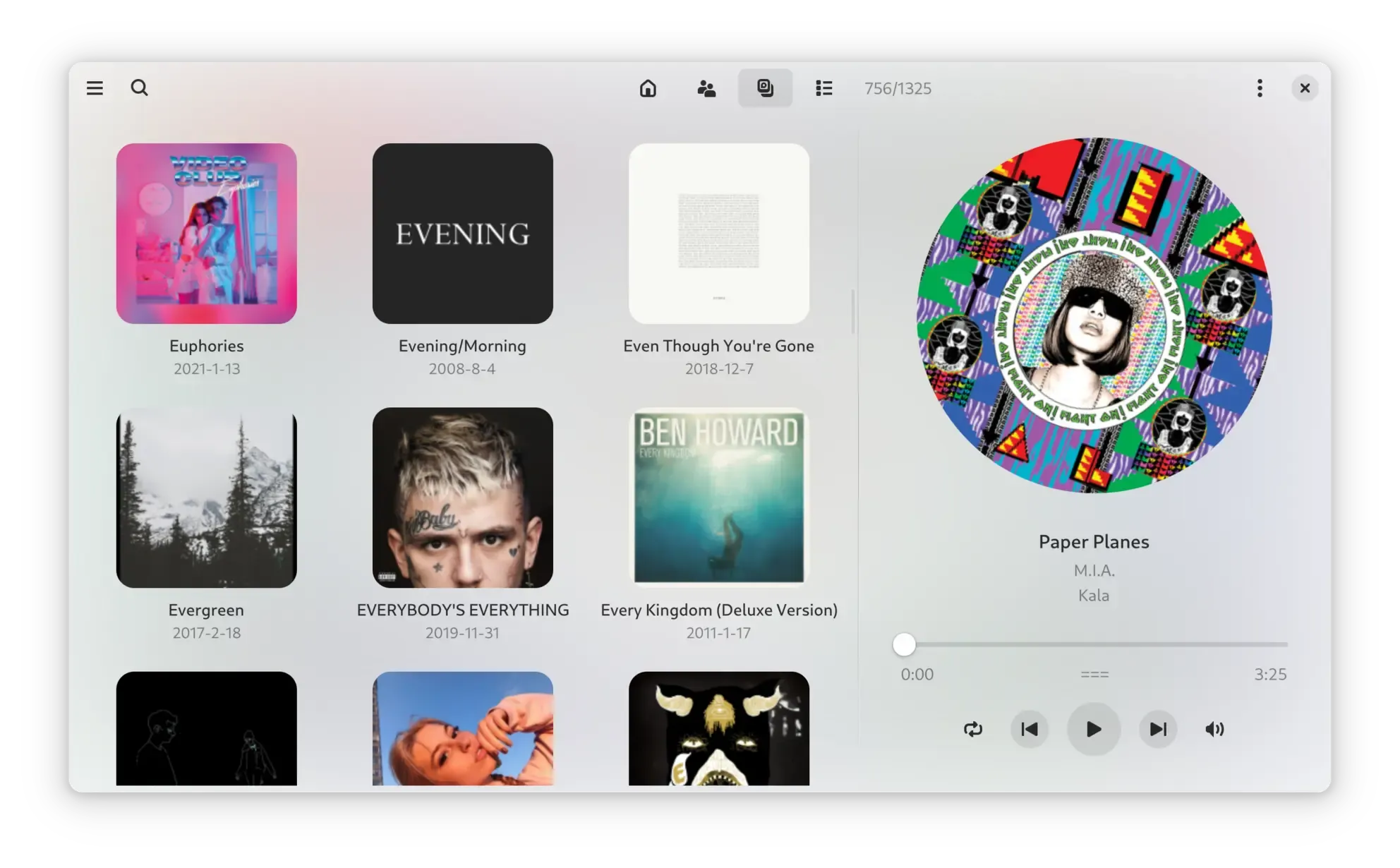
- Gapless is an excellent, responsive music library browser and player.
If I had to listen to my music on a GNOME box, I would definitely go with Gapless! It sticks to the platform’s design patterns and just works.





 Comments